
Transcribe Audio & Video to
Polished Texts
in Seconds
Stop cleaning up "99% accurate" messes. Whether it's Video to Text, Audio to Text, or extracting high-fidelity Audio from Video, get transcripts that understand accents, technical jargon, and crosstalk.
Test the workflow with one sample conversion before you commit. Start with video-to-MP3 for the fastest first win.
Format: YouTube links or direct video URLs.
Hyper-Accurate
Handled with industry-specific AI for legal, medical, tech, educational, and recreational workflows.
Strictly Private
Zero-retention options and secure handling for sensitive files, with explicit, checkable task expiry datetime.
Pro Workflow
Export to SRT, VTT, ASS, or Word with AI-generated summaries built in.
High Accuracy and High Speed Transcription
We address the three biggest pain points in transcription: Accuracy, Speed, and Security.
Filter the Noise, Keep the Meaning
We remove filler words and repetitive phrasing so the transcript reads like finished writing instead of a rough draft.
Domain-specific terms like laparoscopic cholecystectomy stay intact because the model understands context, not just sound.
Context-Aware Engine
Our AI identifies industry jargon (Legal, Medical, Tech) and filters out "umms" and "ahhs" automatically.
Hyper-Speed Processing
A 60-minute recording is processed, timestamped, and ready for review in under 180 seconds.
Zero-Knowledge Privacy
Your files are encrypted at rest and never used to train our AI. What's yours stays yours.
Multiple File Formats up to 2GB
No more converting files before you upload. We take the raw mess and give you exactly what you need.
Inputs
- Video: MP4, MOV, AVI
- Audio: MP3, WAV, M4A
- Links: YouTube & Zoom
Outputs
- Pro DocsMarkdown, DOCX, PDF, TXT (with speaker labels), summary/verbatim.
- Video ReadySRT, VTT, ASS (perfectly synced)
Extraction
Need just the audio? We extract high-fidelity sound from any video file instantly.
Advanced Features for Your Workflow
Transcription is just the beginning. We give you the tools to actually finish your work.
Interactive Editor
Click any word to jump to that exact timestamp. Right-click a word to strike it out and skip it in the final export.
Try it out: Click any word to jump the video to that exact frame. Right-click a word to strike it out and skip it in the final export.
Smart Speaker Labeling
Our AI recognizes different voices and assigns names automatically even in crowded rooms.
AI Insights
Ask our built-in assistant to "Summarize the key takeaways" or "Find every time the budget was mentioned."
- Q3 Budget: Approved for next quarter.
- Marketing: New campaign launches Nov 1st.
Transparent Pricing
Pay only for what you process—a flat rate of $0.00198 per minute for all audio and video.
Starter
Perfect for quick trials of transcriptions
- Flat 0.00198 USD / min
- All export formats
- Zero-Retention Privacy
Creator
Great for regular creators and recurring transcription work.
- Flat 0.00198 USD / min
- All export formats
- Interactive Editor
Business
Ideal for teams and larger production workloads.
- Flat 0.00198 USD / min
- Priority processing
- API access
Turn Media into AI-Ready Markdown
Every video and audio file becomes structured markdown that your AI agents can read, search, and act on—automatically.
Video & Audio
Drop any media file—videos, podcasts, voice memos, meeting recordings.
AI Transcription
Our engine transcribes every word with speaker labels and timestamps.
Structured Markdown
Output is clean, hierarchical markdown ready for any LLM or agent.
AI Agent Ready
Feed directly into ChatGPT, Claude, or your custom agent pipeline.
Built for your specific "To-Do" list.
Transcription tailored to your workflow, not the other way around.
For Content Creators
Turn one video into a blog post, a set of captions, and a high-quality audio podcast in one click.
See Creator Workflow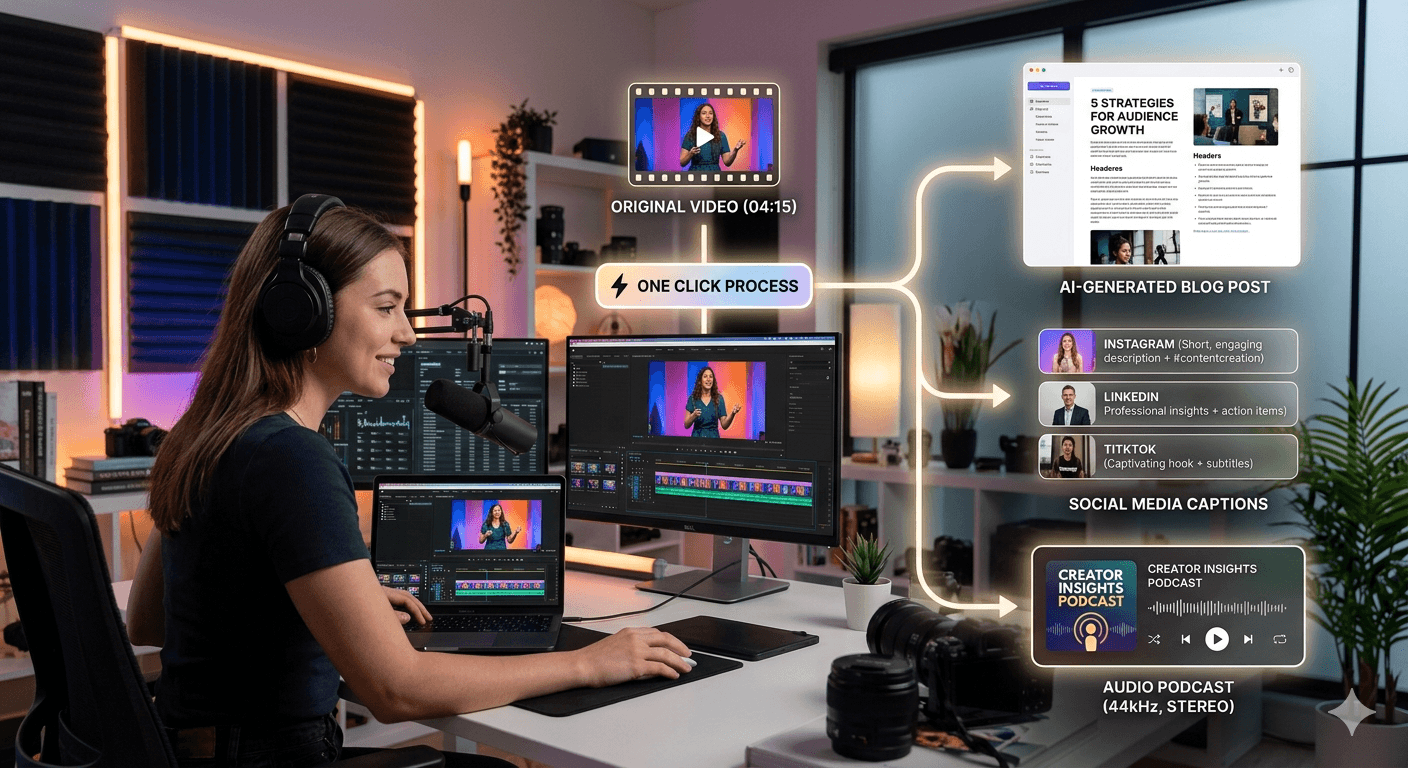
For Legal & Research
Get verbatim transcripts with millisecond-accurate timestamps and secure, searchable archives.
See Legal Workflow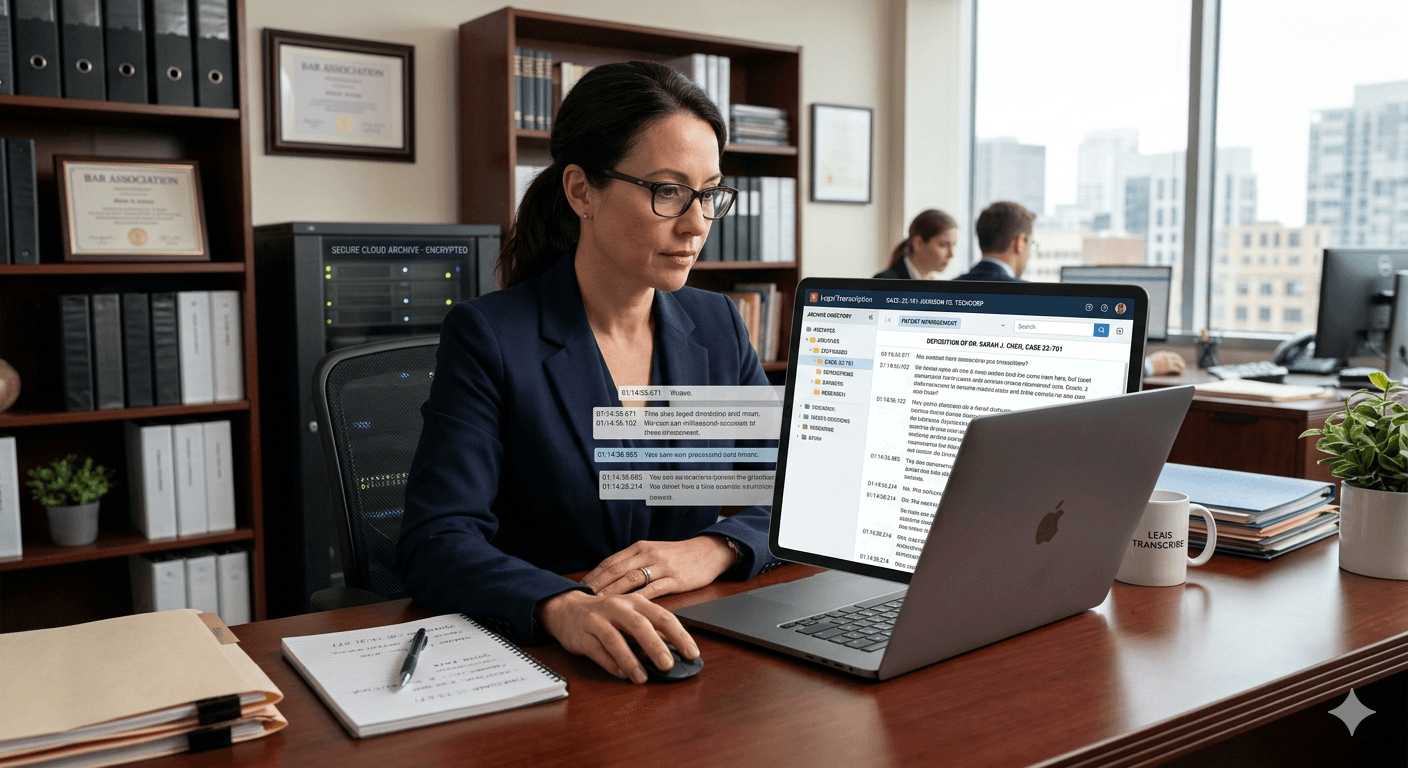
For Meetings & Students
Upload your Zoom or lecture recordings and get a 5-point AI Summary and a list of action items automatically.
See Meeting Workflow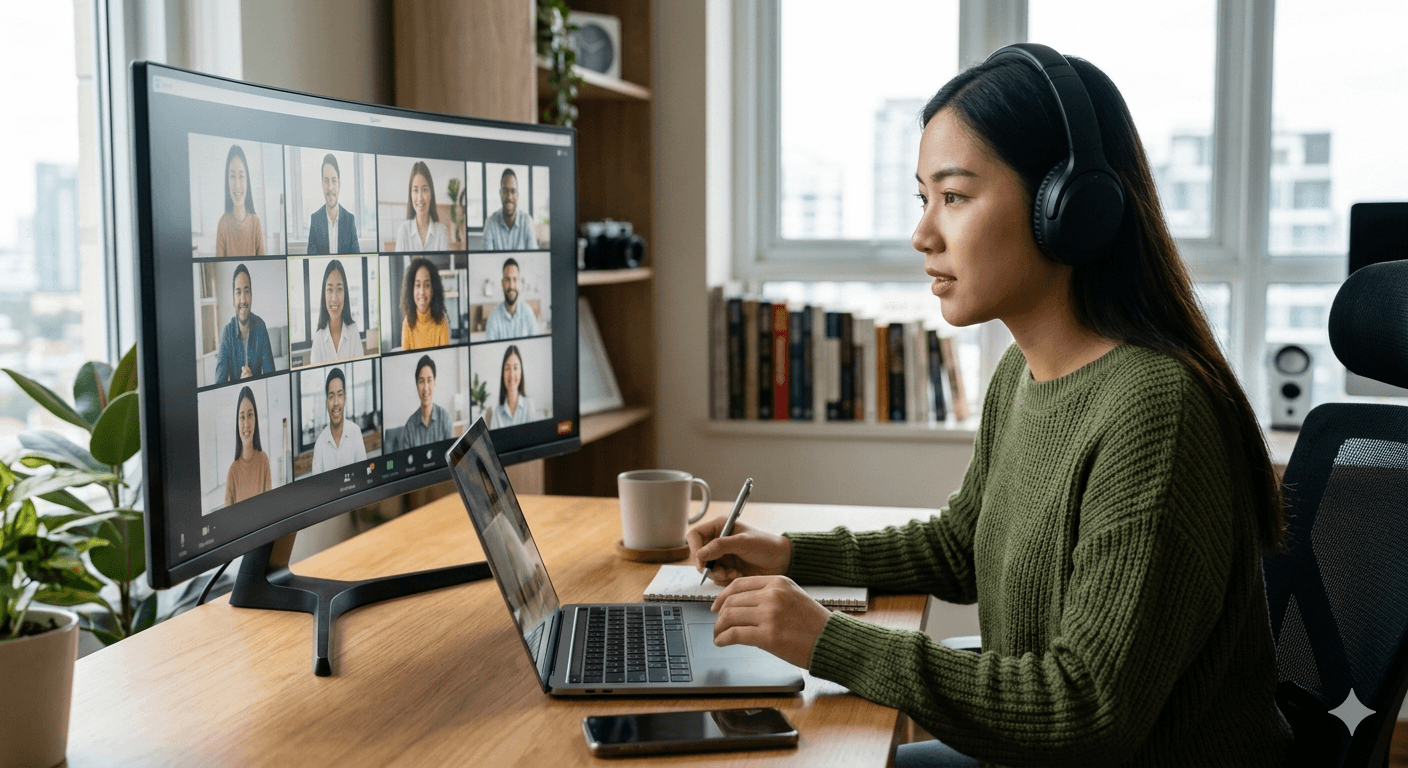
Blogs
Fresh tutorials, workflow ideas, and practical media conversion guidance from the latest posts.
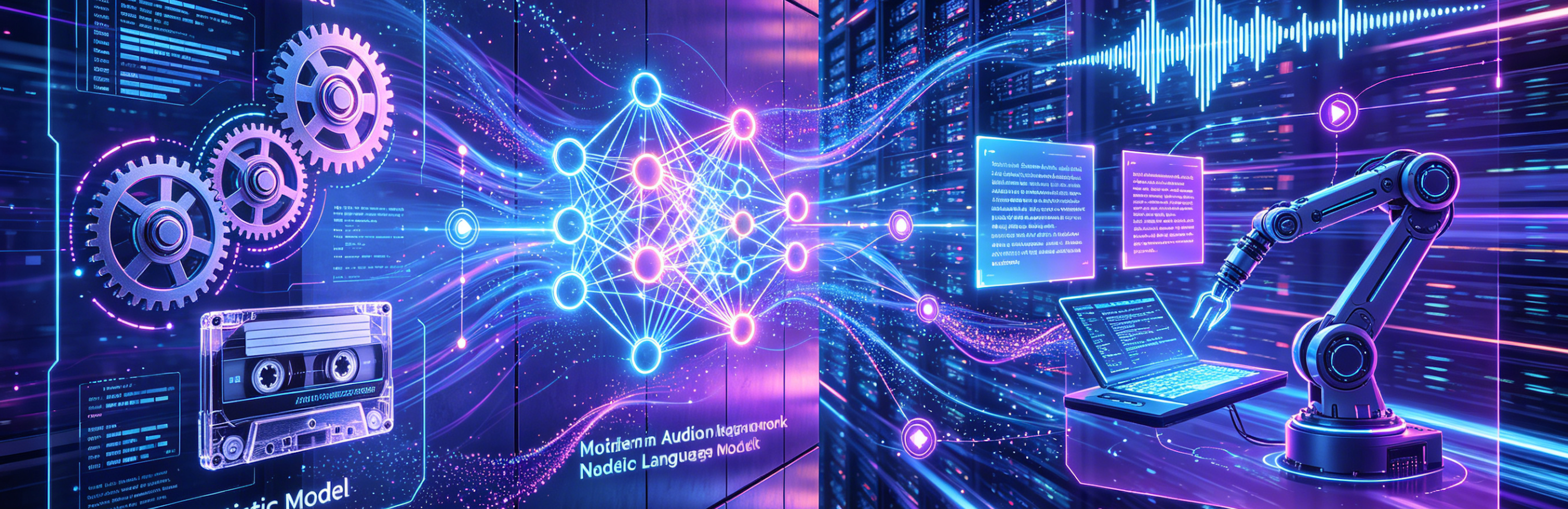
The Technological Convergence of VLMs and ASR in Videomp3word Transcription
The landscape of artificial intelligence has been reshaped by multimodal models capable of perceiving and reasoning across different forms of data. While Vision-Language Models (VLMs) have captured wi...
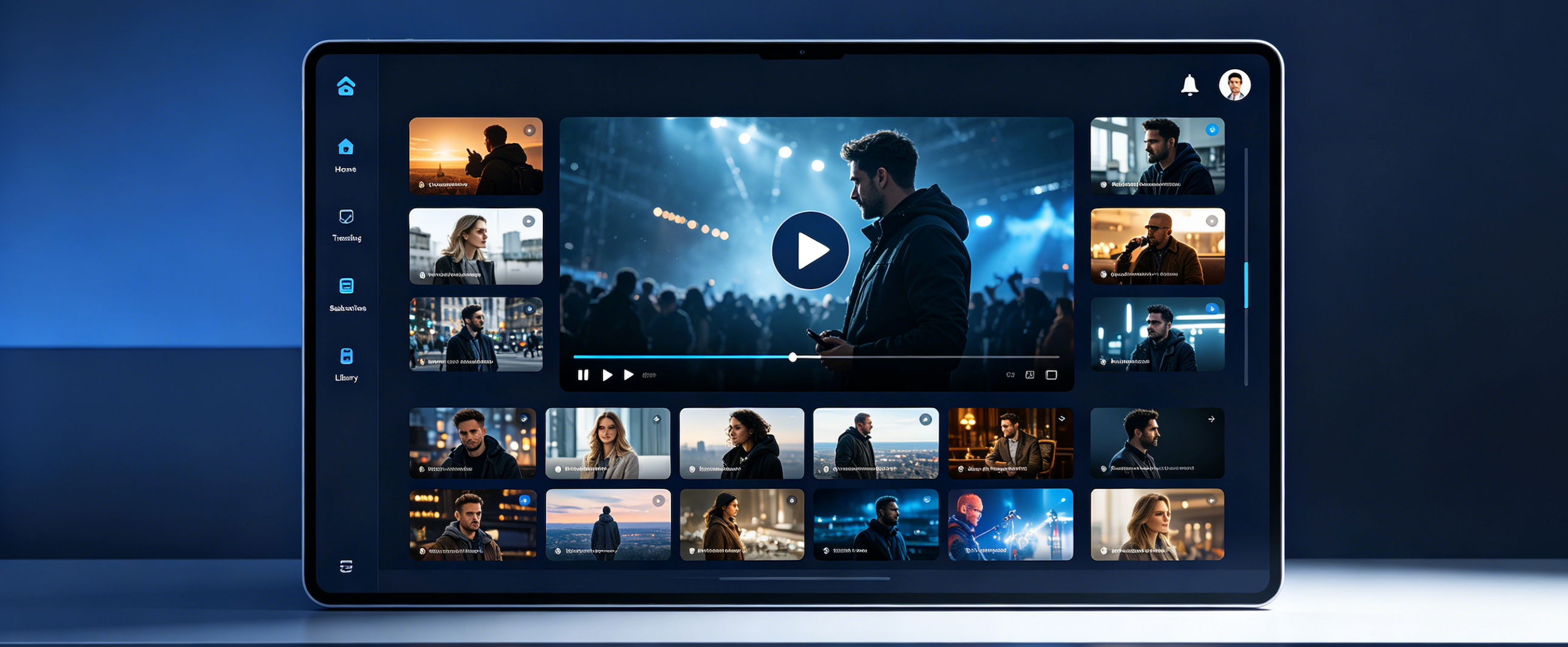
Why Paste a YouTube URL Into VideoMP3Word Instead of Just Clicking "CC"?
YouTube CC gives you **a subtitle track** — VideoMP3Word gives you a document you can work with. But the real reasons are far more substantive. Let's break them down with evidence....

The Privacy Mirage: What Transcription SaaS Companies Say and What Videomp3word Does With Your Files
Most transcription platforms promise privacy but keep your files indefinitely. Videomp3word is one of the few that gives you a visible, verifiable expiry date — and a 7-day auto-delete policy you can ...
FAQ
Everything you need to know before you drop your first file.
What does VideoMP3Word do?
VideoMP3Word converts audio and video files into accurate, readable text. Whether it's a high-stakes business meeting, a 3-hour podcast, or a technical lecture, we turn your media into structured transcripts in minutes.
What file formats do you support?
We support almost everything. Common formats like MP3, WAV, MP4, and MOV work perfectly, along with professional formats like FLAC, AAC, and AVI. If it plays on your device, we can likely transcribe it.
Do I need to install anything?
No. Everything happens in your browser. No bulky software, no plugins—just upload and go.
What is the maximum file size I can upload?
While most tools cap you at 50MB or 500MB, we support up to 2GB per file. This means you can upload raw, high-definition recordings without the headache of splitting or compressing them first.
Is there a limit on audio/video duration?
We are built for "marathon" content. Our system handles multi-hour recordings—lectures, seminars, and long-form interviews—with the same stability as a 30-second clip.
Do I need to preprocess my files?
No. Don't waste time trimming or lowering the bitrate. Upload your original file, and our engine will handle the heavy lifting.
How does pricing work?
We use a transparent pay-as-you-go model. You buy credits based on minutes, and they only decrease when you actually transcribe something. No subscriptions, no "use-it-or-lose-it" monthly cycles, and no hidden fees.
Do you charge for failed transcriptions?
No. If a process fails due to a system error, your balance remains untouched.
Are there any monthly commitments?
None. Use us once a year or ten times a day—the price and experience remain the same.
What happens to my files after upload?
Your raw input files are deleted upon task completion. Your transcribed content stays in your dashboard until you decide to delete it.
Is my content confidential?
Yes. We utilize AES-256 encryption at rest and TLS 1.3 for data in transit. We've designed VideoMP3Word specifically for sensitive use cases like legal interviews and private corporate strategy sessions.
Do you store my data?
Your files and transcripts are stored only as long as necessary for you to access them. You are in total control—you can delete your data from our servers at any time with one click.
How accurate are the transcriptions?
We deliver industry-leading precision with a 1.63% Word Error Rate (WER). By using a "Bag of Models" approach (including the latest Qwen and Nvidia-Canary architectures), we consistently outperform standard tools, especially with technical jargon and diverse accents.
How long does transcription take?
We are fast. Our engine runs 5x to 10x faster than real-time, meaning a one-hour recording is often finished in about 4 to 6 minutes.
Do you support multiple languages?
Yes, we support 105+ languages and dialects. Our AI is also capable of "code-switching," meaning it stays accurate even if speakers jump between languages in the same recording.
What formats can I export?
You can export your results as Markdown (MD), Word (DOCX), PDF, TXT, or CSV. You can also copy the text directly to your clipboard for instant use.
Can I edit the transcript?
Yes. Our built-in editor allows you to review and polish your transcript immediately after processing, ensuring everything is perfect before you export.
How are you different from other tools?
Most services try to lock you into a subscription or force you to chop your files into smaller pieces. VideoMP3Word is built for the "Power User" who wants simplicity. We support massive uploads up to 2GB, offer pay-as-you-go pricing that actually makes sense, and we don't harvest your data to train our AI.
Core Tools
Video to Word
Perfect for students catching up on lectures, professionals archiving meetings, or creators repurposing content for blogs. Turn any video into clear, editable text.
Video to MP3
Turn music videos into playlists for your workout, or webinars into podcasts for your daily commute.
MP3 to Word
Ideal for journalists logging interviews, researchers analyzing field notes, or anyone needing to find a specific quote in hours of audio. Whether it's a lecture, a legal deposition, or a creative brainstorming session, turn spoken words into searchable, shareable text instantly.
Word to MP3
Listen to articles while cooking, proofread your novel by ear, or make your content accessible to a wider audience.